
First Version
This is the layout of the photography page. As I have quite a lot of photos, so I have categorised them. The photography page is quite clean and straightforward; I have added a banner and different categories of photos only.
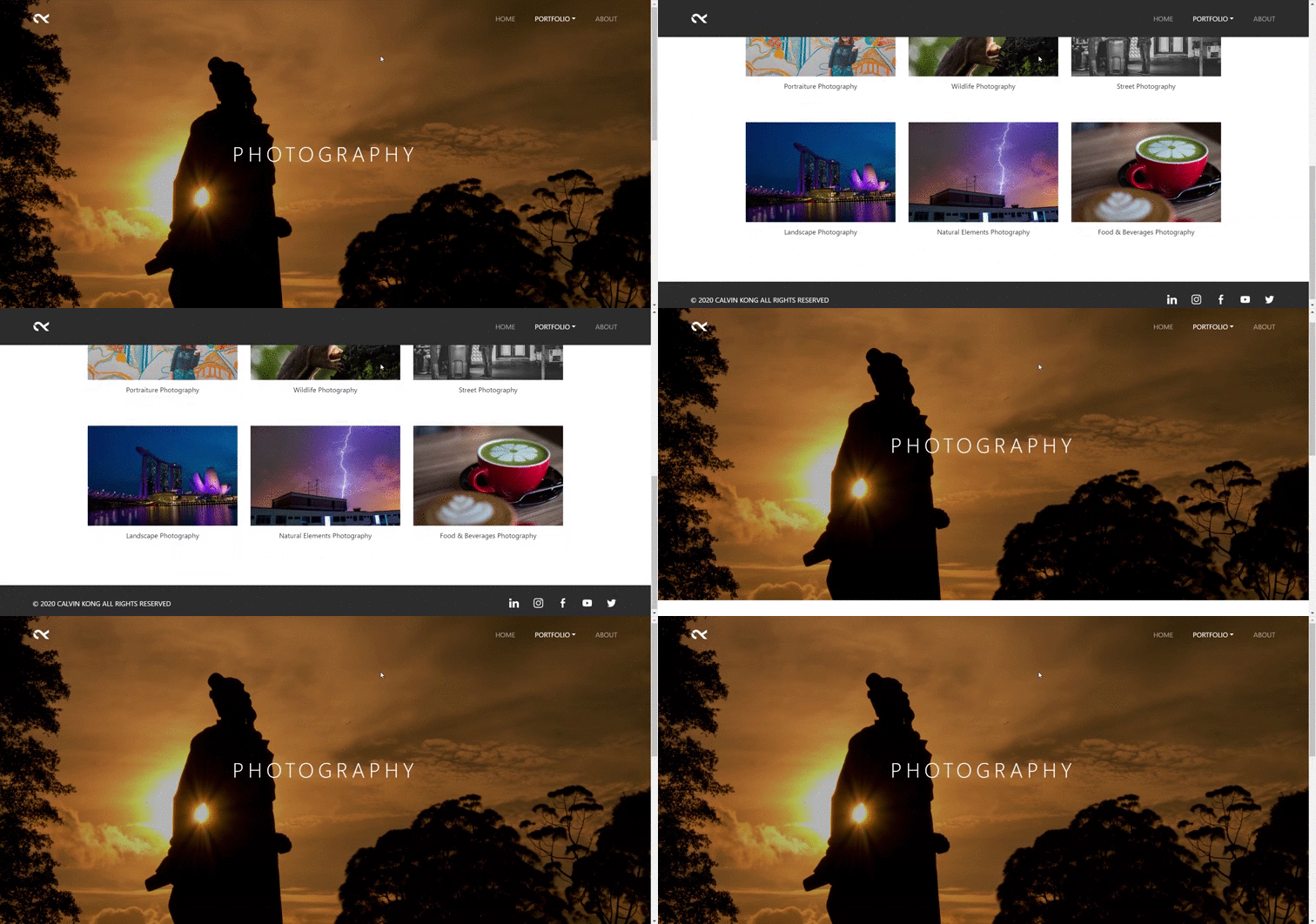
First Version
Second Version: Parallax Effect
But I think it is a bit boring, so I have added the Parallax Effect to the banner. Personally, I feel that it is not as static as the first version after adding the parallax effect. Parallax effect is when upon scrolling down with your mouse, the image will move accordingly.
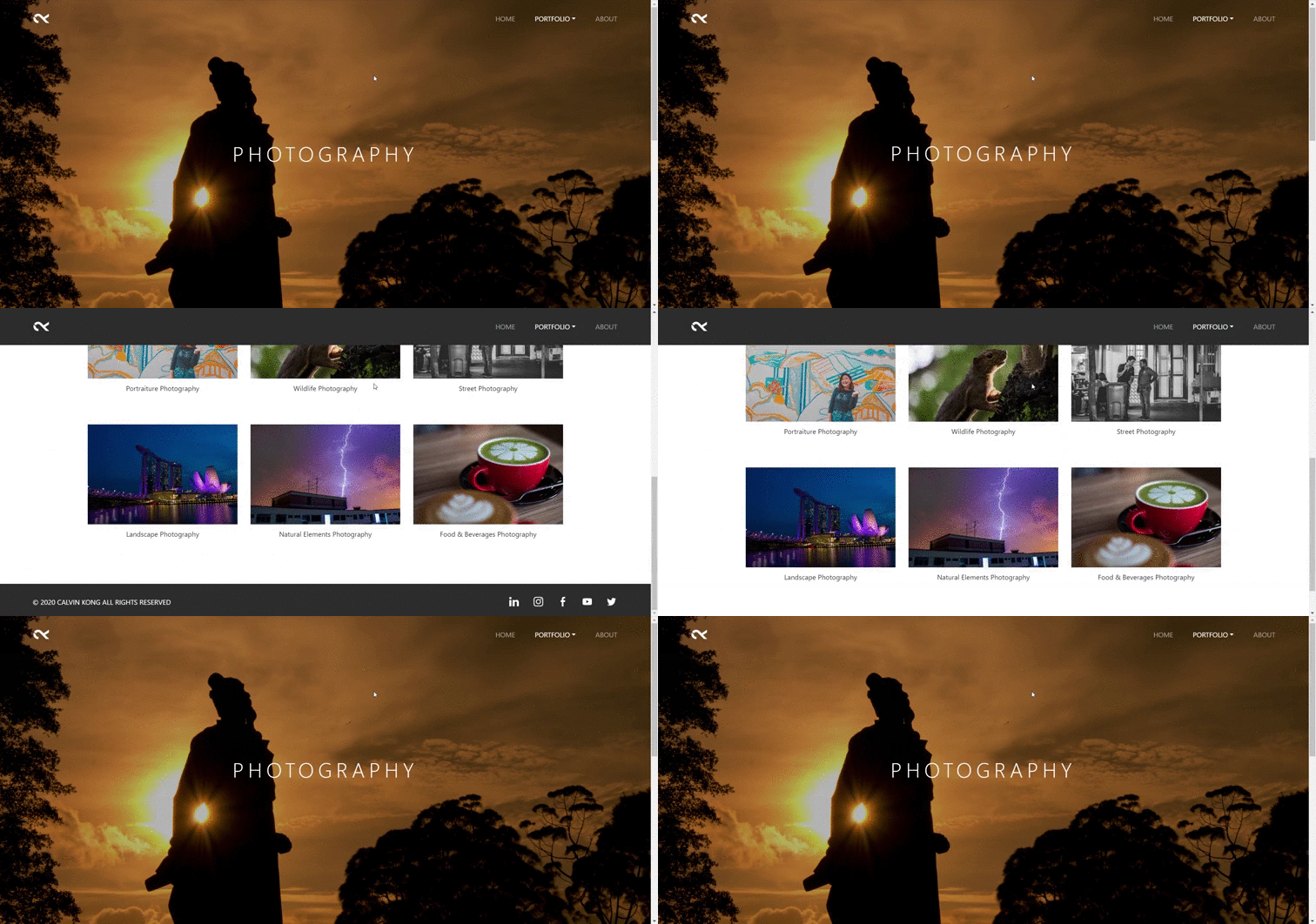
Second Version: Parallax Effect
Third Version: Hover Colour Fade in
Besides, I think that each categories’ image cover is a bit too overwhelming as there are too many colours. So I decided to change the categories’ image cover to greyscale, upon hover it then the colour will appear.
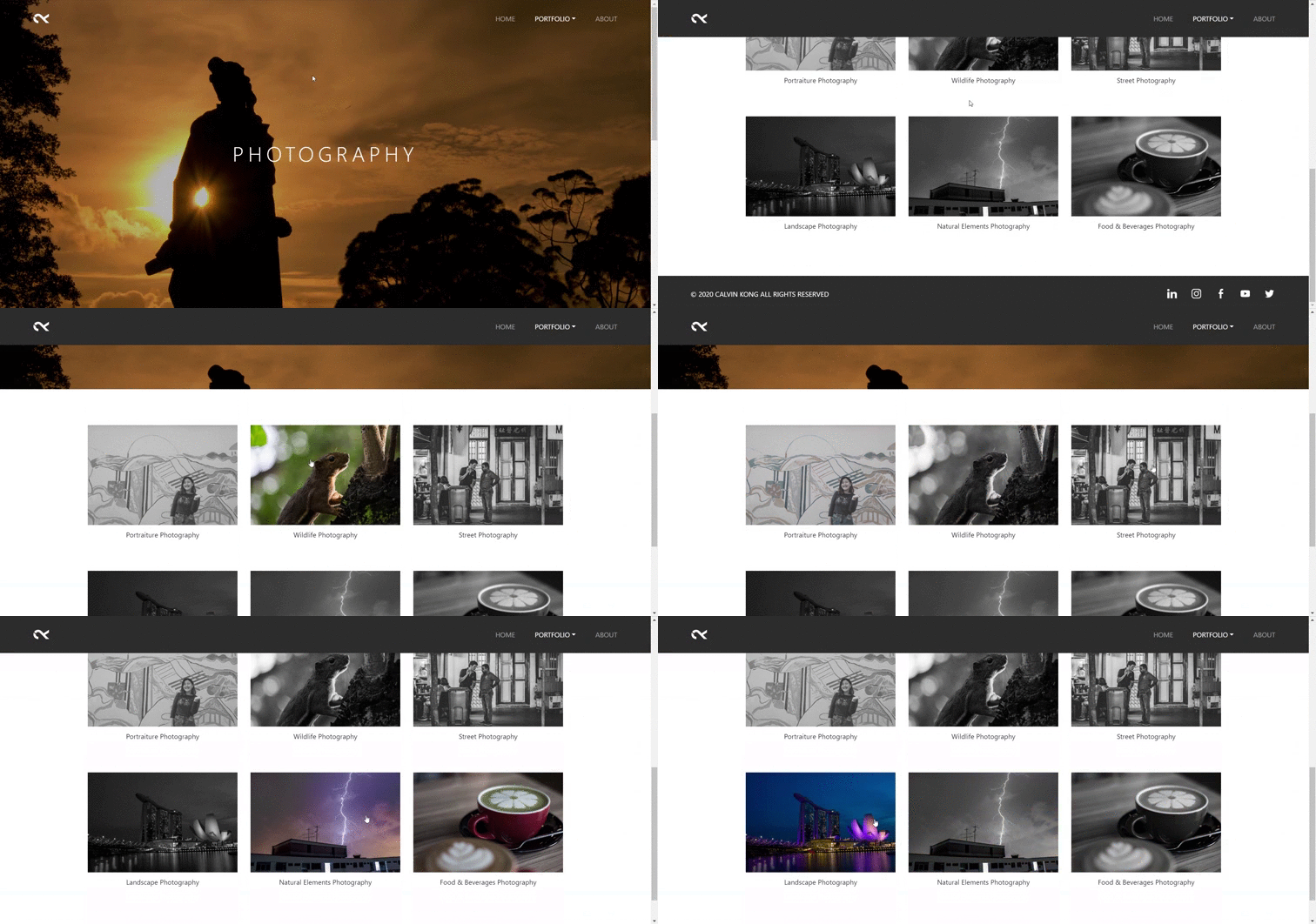
Final Version
Lastly, this is the final version with combining of parallax effect and hover colour fade in. I also applied the parallax effect to each banner of the photography categories like portraiture, wildlife, street, and other categories.
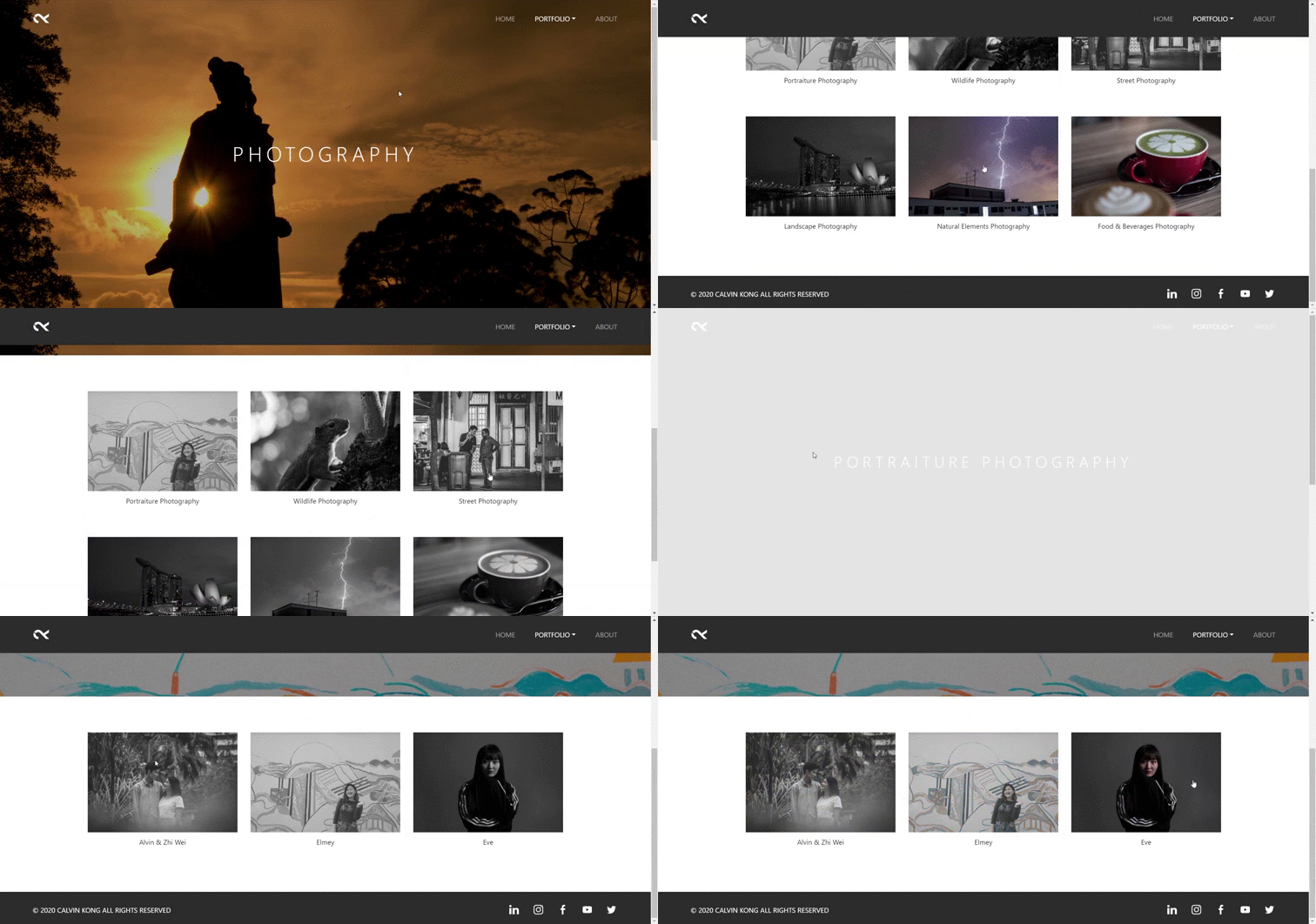
Walkthrough:
Add the following code in order to achieve the layout and effects have shown above.

HTML 
HTML 
CSS – Parallax Effect 
CSS – Hover Colour Fade in
 calvinkong98.news.blog