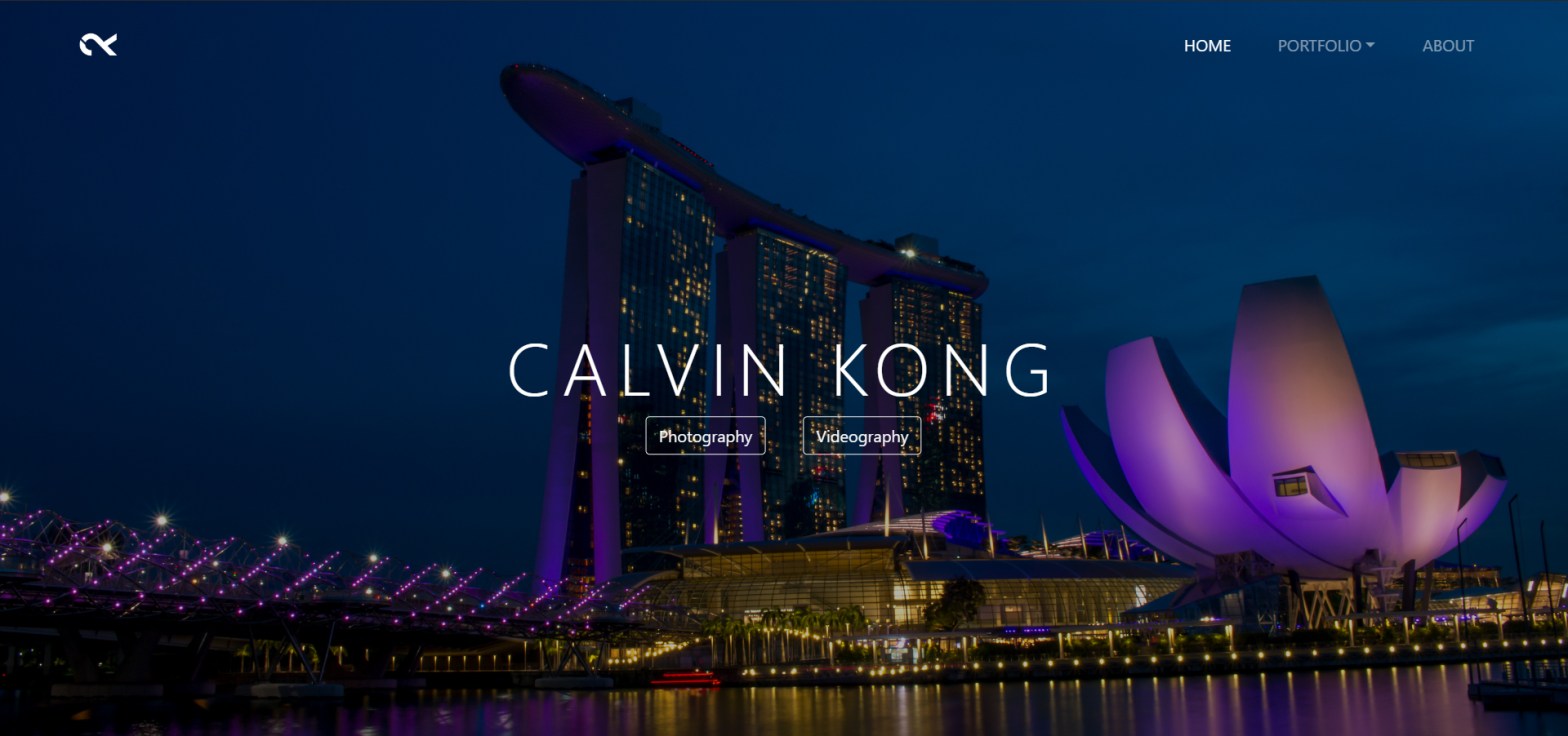
For this portfolio website, I did it with using Adobe Dreamweaver, Bootstrap, and combining with Javascript.
First Version
This is the original layout of the Home page(index) of the portfolio website. I am trying to make everything as simple as possible, so as you can see, the home page is just a background image.

First Version
Second Version
I think that it is a bit troublesome for someone to browse my portfolio. This is because they are required to press the portfolio and then can go to the Photography or Videography section.
So I have added two buttons under my name, which is Photography and Videography. Visitors are can either press the button directly or go to click the navigation bar’s portfolio.
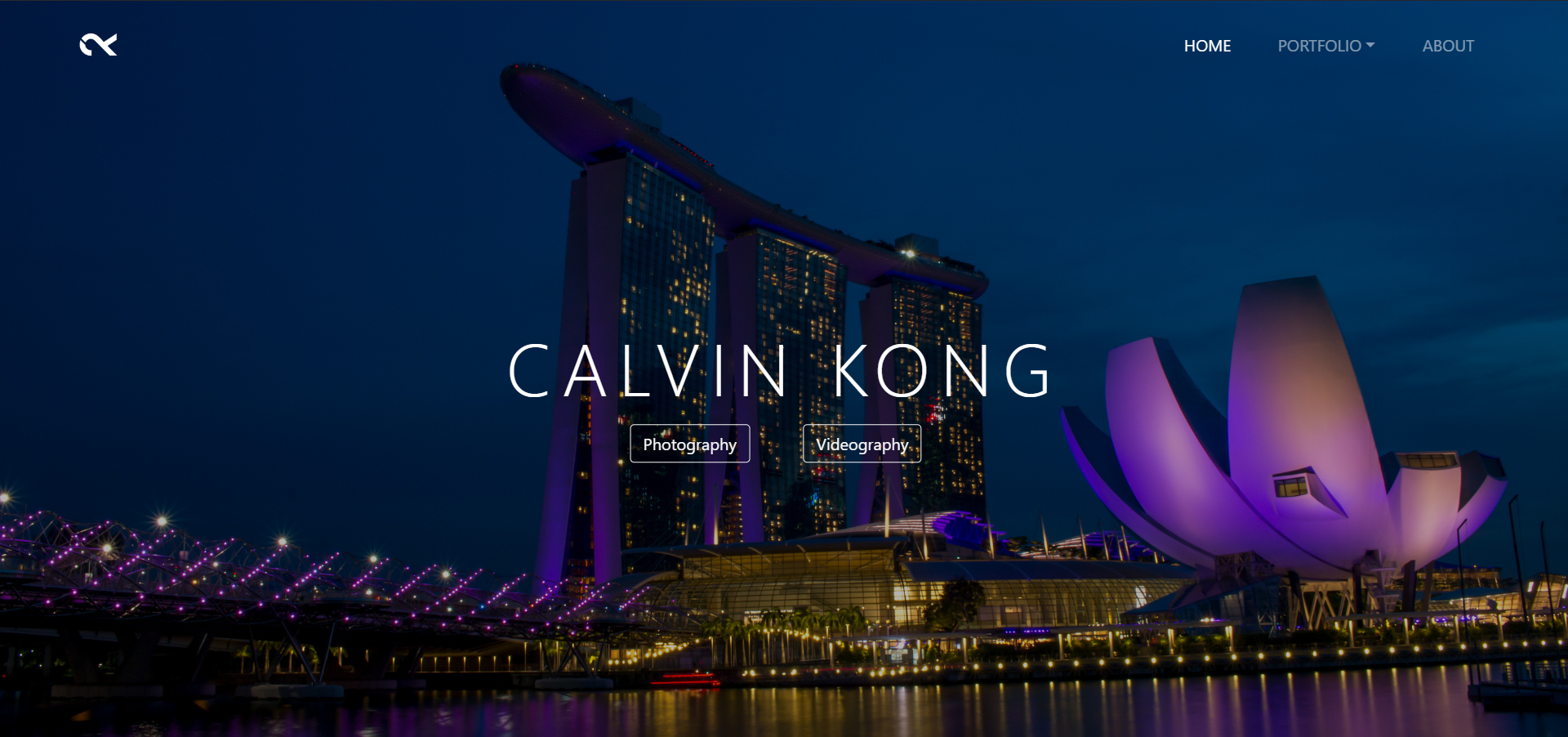
Final Version
Other than putting one static background image only, I have to change it to background image slideshow. That means after a few seconds, the background image will change to another image. Below is the walkthrough of doing these effects.
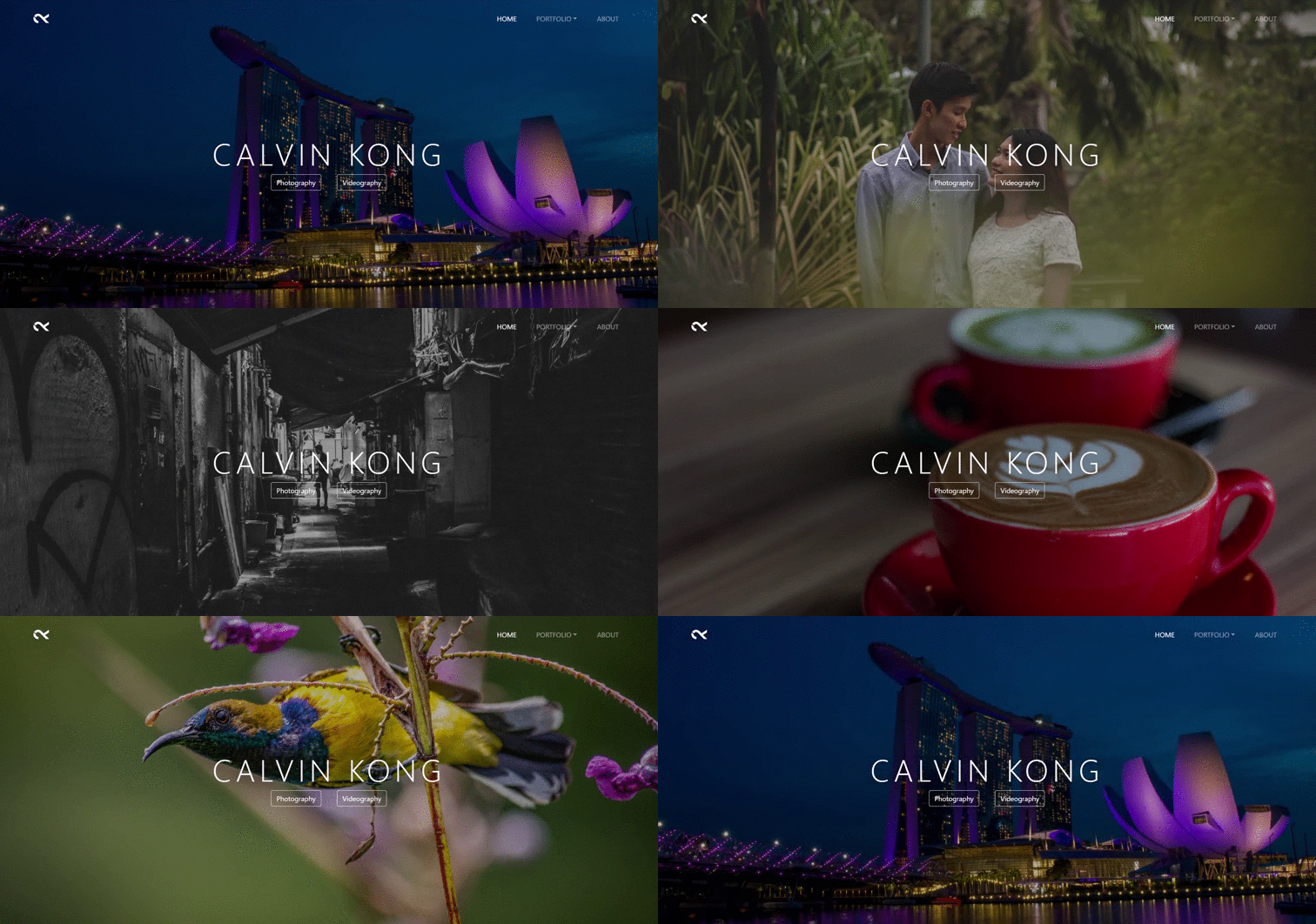
Walkthrough:
Add the following code in order to achieve the full-screen background image slideshow.

HTML 
CSS 
CSS
 calvinkong98.news.blog